The creator story.
YYOKU editing above. The finished Roblox look below.
Mix close editing crops with whole-tool cuts. Switch garment and avatar views. The approved example has 15 shots, including eight whole-tool shots.
 Design Guidelines
MADE FOR CREATORS. BUILT FOR YOUR WORLD.
A world of possibilities.
A recognisable point of view.
YYOKU is the clothing studio for Roblox. We help creators take a ready-made shape and make it their own. Our identity should feel confident, open and unmistakably creative.
Use the supplied vector artwork. Keep its proportions, spacing and letterforms intact. The wordmark is outlined artwork; don’t rebuild it by typing YYOKU in a font.
Black on light. White on dark. Avoid shadows, outlines or a white logo on a pale panel.
 The compact website icon.
Orange moves you forward. Blue-grey brings the calm. Charcoal, soft grey and white give the work room to speak.
| Role | Light | Dark |
|---|---|---|
| Canvas | #FFFFFF | #101113 |
| Surface | #F6F7F8 | #1A1C1F |
| Raised surface | #EDF1F5 | #222529 |
| Primary text | #171B20 | #F2F3F1 |
| Secondary text | #646C76 | #A1A7AD |
| Accent / help | #C1D1E2, with #202B39 text | |
| Dividers | Black at 8% | White at 10% |
| CTA text | #151515 on the orange gradient | |
Our website typeface is Inter. Generous headlines, concise supporting copy and compact labels keep the attention on what people can create.
Click the words to make them yours. Inter Medium · tight headline spacing · balanced line breaks.
Make it yours.
Large and expressive. Short lines. −0.06em tracking.Choose a template. Add your colours, images and text. Preview your design in 3D.
Comfortable reading. Natural wrapping. 1.6 line height.A BLANK CANVAS.
YOUR NEXT IDEA.
Across formats. Website: Inter. Email: Arial / Helvetica. Template-video rendering: Liberation Sans (Arial in the local Ad Studio). Keep the same hierarchy even when a format needs a fallback.
Inter licence ↗The orange button is our primary invitation. A restrained glow, a slowly shifting gradient and a small arrow create movement without noise.
Light modeSoft surfaces. Clear hierarchy.
Orange where it matters.
 Dark mode
Soft surfaces. Clear hierarchy.
Orange where it matters.
Keep the rhythm. Group content with soft surfaces, space and internal dividers. Avoid heavy outlines around whole cards. Match form controls to surrounding text. Promotional popups use the opposite theme for contrast.
Let the garment lead. Show the details, the creator in action and the finished result. Keep the pacing direct and the product easy to see on a phone.
YYOKU editing above. The finished Roblox look below.
Mix close editing crops with whole-tool cuts. Switch garment and avatar views. The approved example has 15 shots, including eight whole-tool shots.
A clean 360° look at a new creative starting point.
White logo, orange capsule, bold product title. Keep the garment centred, the background quiet and the call to action clear.
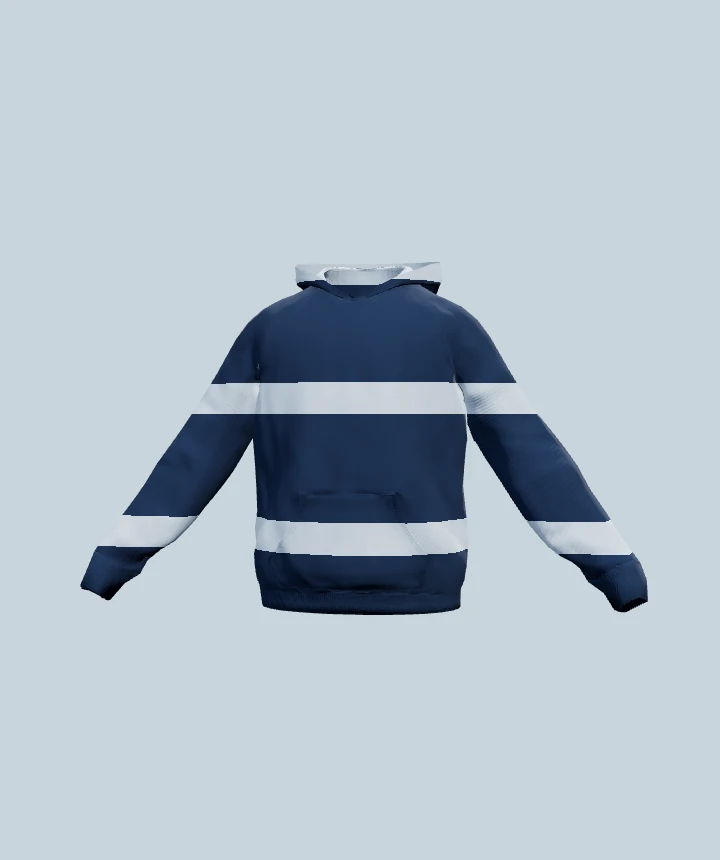
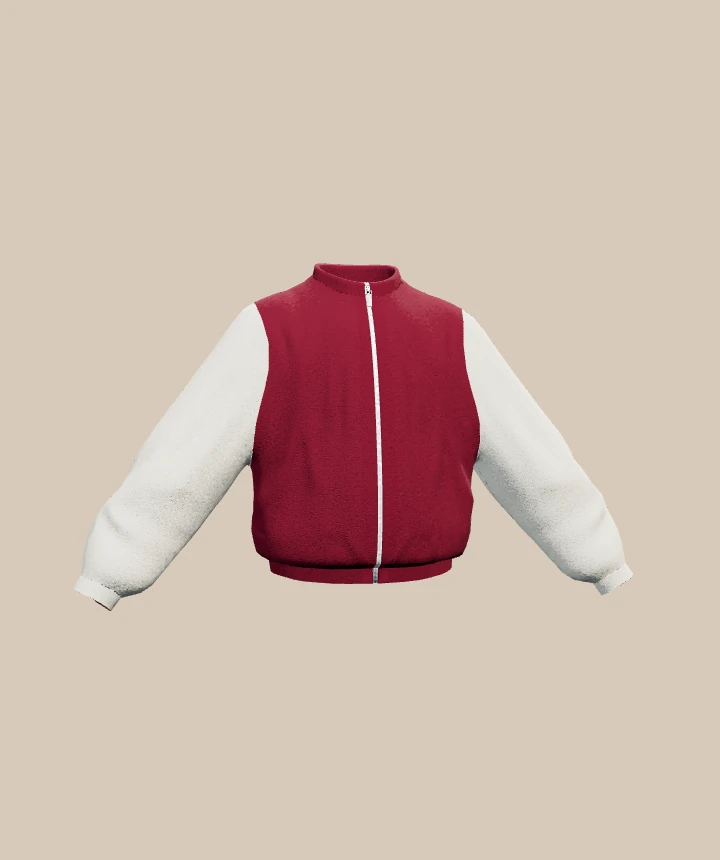
Use real garment renders and actual tool footage. Keep colour, fit and artwork consistent between the editor and the finished look. Avoid promising compatibility that hasn’t been verified.
The longer website demonstration: artwork, lettering and avatar preview.
Keep the template name, access level and release status aligned across the tool, social creative and email. The language changes; the identity stays the same.
INTERACTIVE BRAND EXAMPLE — NOT A RELEASE ANNOUNCEMENT
YYOKU.COMBuilt for your next idea.
NEW TEMPLATE
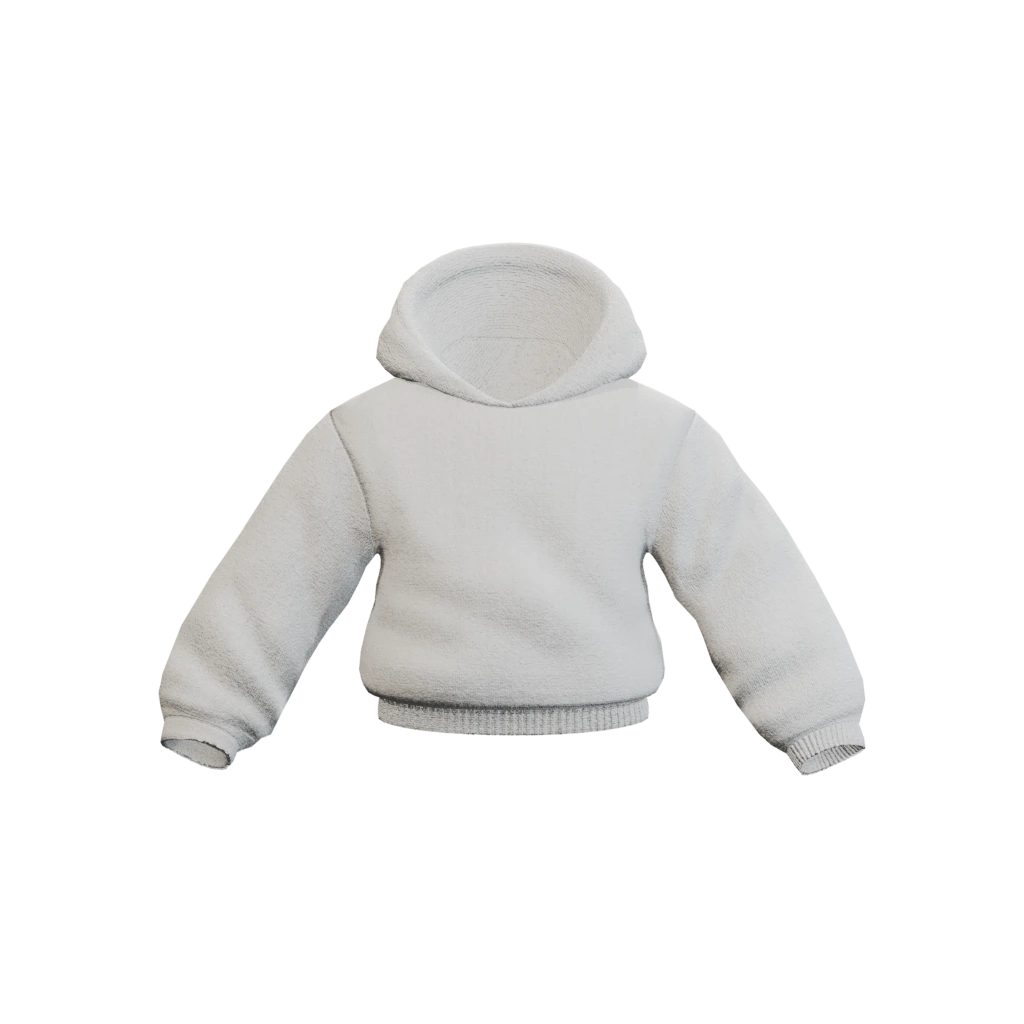
Start with Compact Hoodie, add your own artwork and colours, and make it yours.
We can’t wait to see what you create.
The YYOKU team
The launch email goes to the campaign audience only once the template is live in the tool. Premium access remains plan-dependent.
Use English, Latin American Spanish and Bahasa Indonesia. Keep YYOKU and template names consistent. Let translated headings wrap naturally; don’t force English line breaks onto longer sentences. Always include the time zone with a scheduled release.
Logos, colour tokens, button styles and the Inter font licence.
Use these assets as the starting point for your next YYOKU creation.